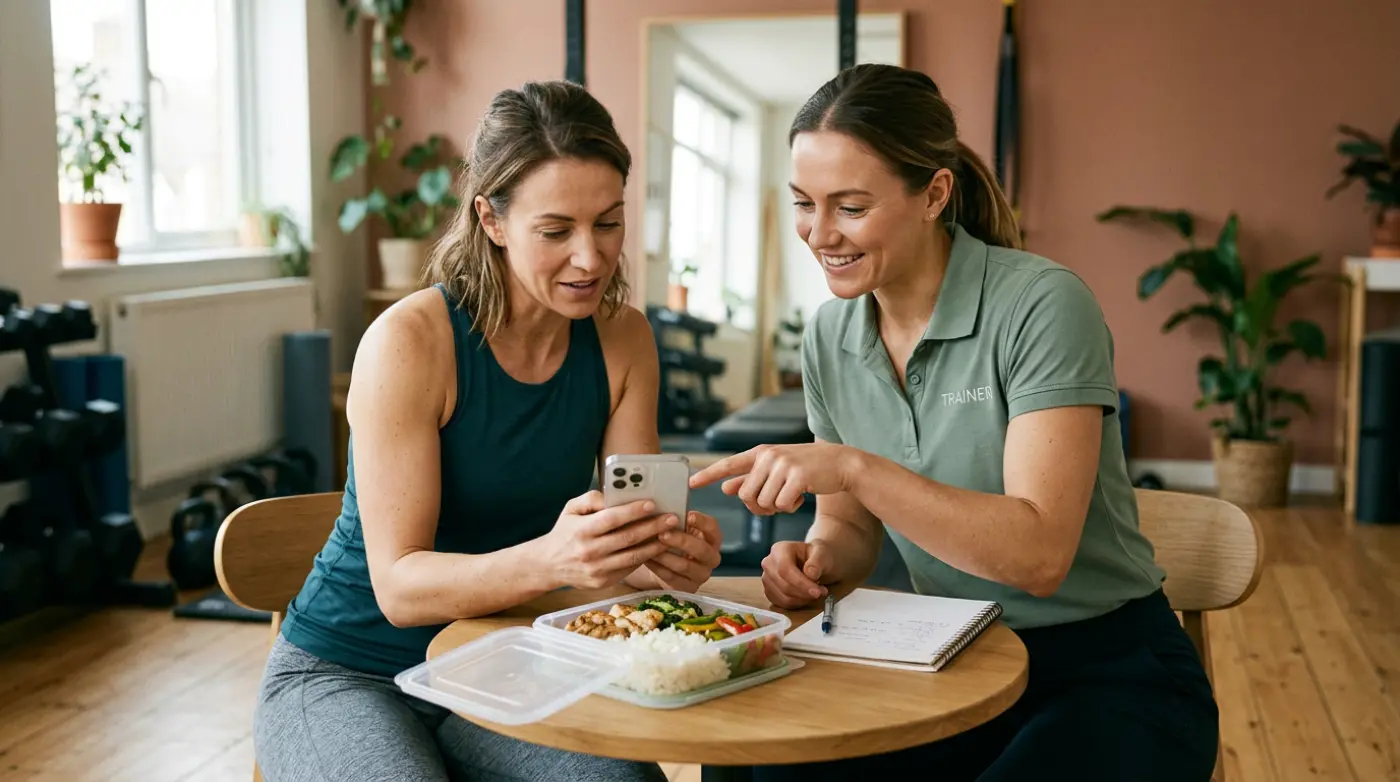
A useful meal log can stall at a very small question: does the client enter the whole dish, or the rice, oil and chicken separately? Answering it clearly once is easy. Finding that explanation again next week is where a message thread starts to fail.
For fitness coaches and personal trainers, short how-to videos work best as a demonstration of one immediate task. Send the relevant example when the client needs it, keep it somewhere familiar, and check what they do next.
Here is the kind of video we mean: a 69-second guide, made for clients, to logging a meal by its ingredients.
This guide covers:
- Choose one task for the client
- Make the demonstration easy to repeat
- Send ready-made videos from Resources
Choose one task for the client
A new client does not need every tutorial before their first session. They need to know what you want them to do next.
For a client starting nutrition logging, that might be recording tonight’s dinner by its ingredients. For someone starting a training block, it could be logging the first workout. A client who already does those things may only need help adding a workout photo.
Pair the guide with a specific request:
Watch this before dinner, then log one meal with its main ingredients. Include the cooking oil too. I’ll check your first entry with you.
That gives the client a reason to watch and gives you something concrete to review. If they still struggle, ask which part was unclear. Another video is not always the answer.
Make the demonstration easy to repeat
Whether you record your own guide or use an existing one, look for three things:
- A clear starting point: the client can see where to begin in the app.
- A realistic example: a meal they recognise or a workout action they actually need.
- A visible finish: they can tell whether they have completed the task.
Keep personal coaching advice separate from general app instructions. A reusable meal-logging guide can show how to enter rice and oil; your message explains what this particular client should focus on.
Store the guide where the client will look for it again. A pinned message can work, but a shared resource in their coaching app keeps the instructions alongside the routine you are asking them to follow. The same principle applies to your welcome PDFs and other coaching resources.
Send ready-made videos from Resources
Resources on Assistant Coach platform now includes ready-made videos from our team, alongside the PDFs and videos coaches already upload: short how-tos to send clients, and longer walkthroughs for coaches.
To send a client video, choose Send, tick the people who need it, and send. It appears in Resources in their client app, with a bell notification for current clients who did not already have it. You can also send a video from one client’s Resources tab without changing anyone else’s access.
A New label helps the client find unopened items. Playing a video clears its label; visiting the tab alone leaves it there. That is a useful prompt, but it is not proof that the client understood the task. Check their next meal or workout entry too.
The first client guides cover logging meals by ingredients, adding a workout photo, the client app tour, and adding the app to an iPhone or Android Home Screen. You can still copy a video’s link for a message. The sharing guide explains changing recipients and removing access.
Frequently asked questions
How can fitness coaches teach clients to use a coaching app?
Start with one task, send a demonstration of that task, and review the client’s first attempt. Add the next guide when there is a reason to use it.
What should a client onboarding video cover?
One action with a clear start and finish. A focused meal-logging example is easier to act on than a tour of every nutrition setting.
Where do clients find videos sent from Assistant Coach?
Sent videos appear in Resources in the client app. Current clients receiving a new video get a bell notification. A New label stays until the client plays it.
Choose one repeated question from this week’s clients. Send the relevant guide with a small action to try, then check whether their next entry answers it.