
You need personal trainer software. You do not need a $100/month bill just to coach your first real clients.
Maybe you are a personal trainer starting your first online fitness coaching business. Maybe you already have five to fifteen clients and want something better than Google Sheets, WhatsApp, and Drive folders. Either way, the search results for “free personal trainer software” are messy: trials, directories, generic life-coaching tools, and platforms that are free only until you add a second client.
Here is the plain answer: a free coaching app is only useful if it lets you run the actual coaching workflow, not just preview the interface.
This guide breaks down:
- What Free Personal Trainer Software Actually Means in 2026
- Every Free Tier in Fitness Coaching Software, Compared
- Platforms With Free Trials Only
- The Google Sheets Stack
- What Personal Trainers Should Check Before Choosing Free Software
Best free option right now: Assistant Coach gives solo coaches 5 clients free forever with the entire coaching workflow included: check-ins, workout plans, meal plans, goals, daily habits, notes, todos, workout logging with video review, a client app, a coach website, full data export, and AI support on top.
What Free Personal Trainer Software Actually Means in 2026
Free personal trainer software is a platform that lets coaches manage clients, deliver workout and nutrition plans, collect check-ins, and track progress without a monthly subscription. Whether you call it personal training software, fitness coaching software, or a free coaching app, the real question is the same: can you coach actual clients on it?
In 2026, genuine free tiers are rare. Most platforms offer 14-30 day free trials, not no-subscription plans.
The platforms that do offer free tiers limit you in one of two ways: they cap the number of clients (usually 1-5), or they lock features behind paid upgrades. Some do both. Knowing which approach a platform uses matters more than the “Free!” on their pricing page.
Of the major fitness coaching platforms, only a handful offer a no-subscription plan you can keep using. The rest give you a trial window and then you either pay or lose the workflow. TrueCoach offers a 14-day free trial before paid plans. Hevy Coach gives you 30 days before paid plans. PT Distinction has a 1-month trial before its client-based paid plans. Kahunas offers 14 days before paid plans. MyPTHub gives 30 days before paid plans. HubFit and FitBudd both advertise free trials before paid tiers.
If you search “TrueCoach free” or “Hevy Coach free tier,” that is usually what you find: a trial, not a usable free plan. For a direct comparison of the two most-searched paid platforms, see TrueCoach vs Trainerize vs Assistant Coach.
Every Free Tier in Fitness Coaching Software, Compared
Here’s what each platform gives you at $0. Assistant Coach is shown first as our overall pick; the other rows make the client caps and feature limits explicit.
Scroll right to see all features →
| Platform | Free Clients | Workouts | Meal Plans | Check-ins | AI Features | Client App | Notes & Todos | Workout Logger | Goals | Progress Photos | Custom Forms | Custom Website | Full Structured Export | Score |
|---|---|---|---|---|---|---|---|---|---|---|---|---|---|---|
| Assistant Coach Free forever, every core feature included |
5 free forever |
✅ | ✅ | ✅ | ✅ | ✅ | ✅ | ✅ | ✅ | ✅ | ✅ | ✅ | ✅ Client and coaching records Clients; forms and answers; check-ins and responses; measurements; meal plans, nutrition records, and workout plans |
★★★★★ 5 clients, 12/12 features |
| QuickCoach | 20 | ✅ | ❌ | ❌ Limited | ❌ | ✅ | ❌ Limited | ❌ Limited | ❌ | ❌ Limited | ❌ Limited | ❌ | ❌ Not documented | ★★ 20 clients, 2/12 features |
| FirstRep | 3 | ✅ | ✅ | ✅ | ✅ | ✅ | ✅ | ✅ | ❌ | ✅ | ✅ | ❌ | ❌ Not documented | ★★★ 3 clients, 9/12 features |
| Everfit | 5 | ✅ | ❌ | ❌ | ❌ | ✅ | ✅ | ✅ | ❌ | ✅ | ❌ | ❌ | ❌ No full export Individual PDFs only |
★★★ 5 clients, 5/12 features |
| WeStrive | 1 | ✅ | ✅ | ✅ | ❌ | ✅ | ✅ | ✅ | ✅ | ✅ | ✅ | ✅ | ❌ Not documented Program PDFs available |
★★ 1 client, 10/12 features |
| Trainerize | 1 | ✅ | ❌ | ❌ | ❌ | ✅ | ✅ | ✅ | ❌ | ✅ | ❌ | ❌ | ❌ No full export Basic five-field client CSV |
★ 1 client, 4/12 features |
Platforms With Free Trials Only (No Permanent Free Tier)
These platforms are often listed in “free coaching software” articles, but they offer time-limited trials, not no-subscription plans. Once the trial ends, you pay or lose access.
| Platform | Trial Length | Starting Price | Clients on Entry Tier |
|---|---|---|---|
| TrueCoach | 14 days | $26/mo | 5 |
| Hevy Coach | 30 days | $25/mo | 1-10 |
| PT Distinction | 1 month | $19.90/mo | 3 |
| Kahunas | 14 days | $35/mo | 25 |
| MyPTHub | 30 days | €25/mo (~$29) | 3 |
| HubFit | 14 days | $39/mo | 50 |
| FitBudd | Yes | $15/mo | 2 |
For what these platforms actually cost once you’re paying, including add-ons and per-client fees, see our full pricing breakdown.
The Google Sheets Stack: Free Forever, But Time-Expensive
Before coaching software existed, every coach ran on spreadsheets. Many still do. The price is right: $0, no client cap, no feature gates.
The typical setup: workout plans in spreadsheet templates shared via Drive, meal plans built in Google Docs or Canva, check-ins via Google Forms, communication on WhatsApp, progress photos in Drive folders, payments through PayPal or bank transfers.
This works. Thousands of coaches run businesses this way. The problem isn’t the tools. It’s that nothing connects. Your client’s weight is in one sheet, their progress photos are in Drive, the note about their knee injury is in a WhatsApp thread, and their meal plan is a PDF you emailed weeks ago.
At 5 clients, you hold it together. At 15, you can’t. When the check-in marathon gets longer because finding information takes longer than writing the response, the spreadsheet is costing you. We wrote a full migration guide for that moment, and here’s one client moved from their sheet, step by step (9 min).
What Personal Trainers Should Check Before Choosing Free Software
The client count and feature score matter, but they’re not the whole picture. Run through this before committing:
-
Choose a free tier that’s generous where it counts. A free tier with 1-3 clients is barely enough to test the workflow, and a high client cap means little if meal plans, forms or macros are locked while you evaluate. Look for enough client slots to run real check-in cycles with every core feature open - that’s what tells you whether the platform fits.
-
Check what happens when you outgrow the free tier. If free covers 5 clients and paid starts at $49/month, that’s predictable. If paid jumps to $79/month with add-ons pushing it to $130, you’re walking into the hidden costs trap. We’ve documented exactly which fees platforms don’t show you.
-
Verify that the features you need are included at $0. Meal plans, check-in forms, and nutrition tracking are the most commonly gated features. If you coach nutrition, and most online coaches do, a free tier without meal plans is a workout logger with good marketing.
-
Check data export options. If you build your client base on a free platform and later need to switch, can you export your data? Some platforms make this easy. Others make it nearly impossible.
-
Factor in your time cost. The Google Sheets stack is $0, but if it costs you extra hours every week in manual work, that’s time you could spend coaching clients. When you set your rates, your time has a dollar value. Free software that wastes your time isn’t free.
Frequently Asked Questions
Is free coaching software good enough for a real coaching business?
Yes. Even on a free tier, coaching software saves you hours every week by connecting client data, check-ins, meal plans, and progress in one place instead of scattered spreadsheets and folders. That’s enough to run a real coaching business without spending a dollar on software.
Should I just use Google Sheets instead of free coaching software?
Sheets works at 1-5 clients but creates progressively more manual work. Coaching software connects client data, check-ins, meal plans, and progress in one profile. With spreadsheets, you’re copying between tabs, folders, and forms. Free coaching software gives you the connected workflow at $0.
What features should free coaching software include?
At minimum: workout programming, meal plans, client check-ins, a client app, and progress tracking. The best free tiers also include AI features, goal management, daily habit tracking, custom forms, and a workout logger. Habits are an easy one to miss: Everfit’s free Starter plan keeps habit coaching for its paid Pro plan, while Assistant Coach includes daily habits on the free plan. If a free tier locks meal plans or check-in forms behind a paywall, it’s a workout logger, not a coaching platform.
How many free clients should a coaching platform offer?
Enough to run a few real clients through full check-in cycles - 5 clients with every core feature included covers that. Some platforms offer only 1 free client, which isn’t enough to test how the software handles multiple check-in cycles, different meal plans, and varied programming. What matters more than the number is whether anything is gated while you evaluate: a plan that caps you at 5 clients but opens the entire workflow tells you more about the software than one that allows more clients and hides meal plans, forms or macros behind an upgrade. The most generous free tier in coaching software is the one with every core feature included, no credit card, free forever - which is exactly what Assistant Coach’s free plan is.
Is coaching software a tax-deductible business expense?
It often can be when you use the subscription for your coaching business, but the exact category and evidence depend on where you file and your circumstances. Keep the invoice, record the business purpose, and check current local guidance or ask an accountant. For a country-by-country starting point, see our guide to tax deductions for fitness coaches.
What is the best free coaching software for personal trainers in 2026?
For a solo personal trainer who wants the most complete free coaching setup, Assistant Coach is the strongest free option: 5 clients free forever with every core feature included - structured check-ins, workout plans, meal plans, goals, daily habits, notes and todos, workout logging with video review, a client app, a coach website, full data export, and AI support layered on top. Everfit’s free plan gates forms, meal plans, macros and habit coaching behind paid. Trainerize offers 1 full-access free coaching client. If you are evaluating options after the April 2026 FitPros incident, our short FitPros alternatives roundup covers these platforms with a focus on switching without losing data.
What happens to my client data when I outgrow a free tier?
It depends on the platform. Some let you export client profiles, workout history, check-ins, meal plans, and progress photos as CSV or JSON. Others restrict exports to the current client roster, or offer nothing at all. Upgrading from a free tier to paid usually migrates your data automatically within the same platform - the real risk is switching platforms entirely, because every hour you spent building profiles and check-in templates stays locked inside. Before committing to any free tier, verify the export flow works and run through our non-technical safety checklist for fitness coaching software to check how a platform handles backups, encryption, and incident communication. See also our 10-platform data portability audit for what each major platform lets you take with you.
Start Free, Upgrade When the Math Makes Sense
Free coaching software isn’t a compromise. For personal trainers starting out or fitness coaches testing whether online fitness coaching works, a good free tier gives you real tools to deliver real coaching. The key is choosing a platform where the free tier is generous enough to evaluate properly and the paid upgrade makes financial sense when your business grows.
Your coaching software may become a tax-deductible business expense once you start paying, depending on your country and circumstances. But there’s no reason to pay before you need to.
Want to try it yourself? Try Assistant Coach free and run a real early roster before you decide whether to pay for software.
References
Pricing and free-plan data sourced from each platform’s public pricing and feature pages, rechecked September 14, 2026. Everfit’s habit coaching on the Pro plan and up was rechecked September 29, 2026. QuickCoach’s current Free, Pro, and optional add-on pricing was rechecked September 15, 2026. Export coverage was rechecked September 15, 2026 against each platform’s public documentation and our 10-platform data portability audit. WeStrive currently says its one-client free account includes the same platform features as its paid accounts; Trainerize’s Basic plan covers one client and lists workouts, messaging, habits, and its mobile app, while meal and macro tracking starts on Grow.
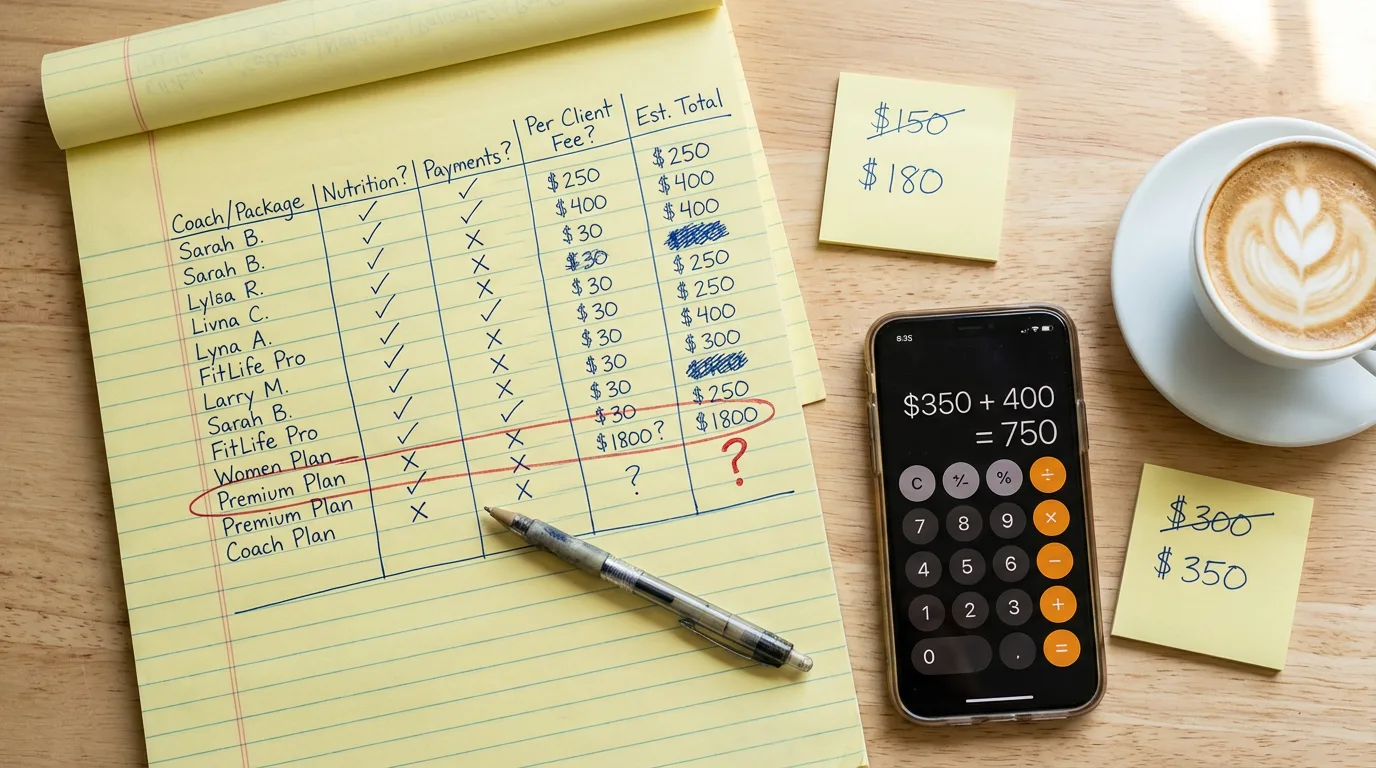 The Real Cost of Fitness Coaching Software
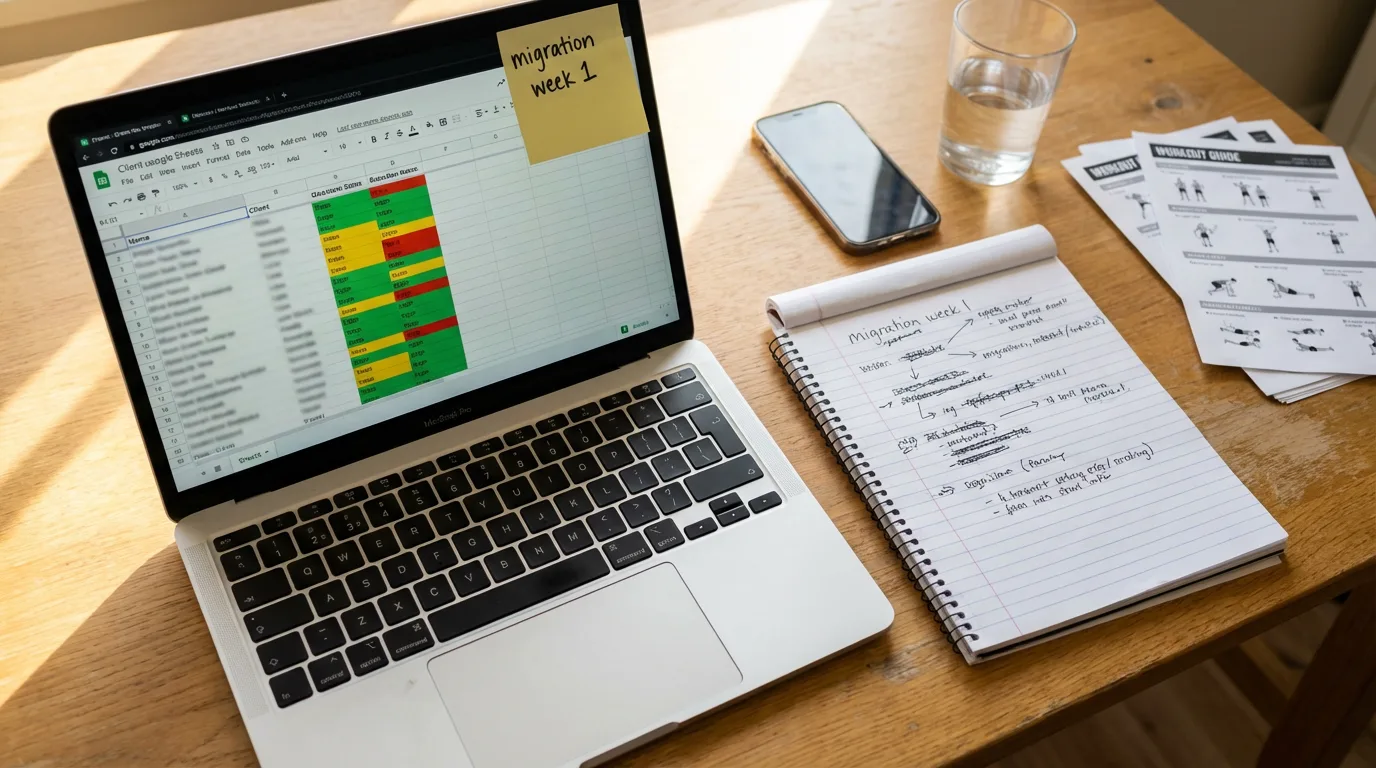 From Google Sheets to Coaching Software: A Fitness Coach's Guide