
I priced the same simple thing on ten coaching platforms: a web page that gets a fitness coach found and turns a visitor into an inquiry. None of them includes it free, and the ones that give you a real page charge $10 to $79 a month for it. Then there’s the platform I build, where it costs nothing.
If you have ever gone looking for where the “website” feature lives on your coaching software and found it locked a tier or two above the plan you are on, this is the post that does the math for you.
A coaching website is a single public page where prospects find you, see your credentials, and reach out. For most fitness coaches and personal trainers it replaces a scattered stack of a link tool, a form tool, and a spreadsheet with one address you control. It is the page that gets you clients, which is different from the client app where you coach the ones you already have.
At a glance
| What it is | A public page at your own address where prospects find you, see your credentials, and send an inquiry |
| Who it’s for | Online fitness coaches and personal trainers who get inquiries from Instagram, referrals, or search |
| What most platforms charge | $10 to $79 per month, usually parked in a mid or upper tier |
| What Assistant Coach charges | Nothing. Free on every plan, including the free tier |
| What you need | No code, no separate domain, no designer |
| What it replaces | A Linktree, a form tool, and a spreadsheet to track who reached out |
Here’s what this guide covers:
- What coaching platforms charge for a fitness coaching website
- Three ways platforms hide the true cost of a coach website
- Why your fitness coaching website is free on Assistant Coach
- What a coaching website should include, and what to skip
What coaching platforms charge for a fitness coaching website
I went through the live pricing and feature pages of ten coaching platforms in July 2026 and looked for one specific thing: a public page a coach can share to attract prospects, ideally with a way for those prospects to reach out. Here is where that page lives, and what it costs, on each one, next to Assistant Coach, the platform I build and coach my own clients on.
| Platform | Public coach page? | Built-in lead capture? | Cheapest plan that includes it | Free tier? |
|---|---|---|---|---|
| Assistant Coach | Yes, at your own address | Custom inquiry form + Leads inbox | Free plan | ✅ Free on every plan |
| TrueCoach | Yes, "Public Coach Profiles" | Yes | Standard, $57.99/mo (billed annually) | ❌ Trial only |
| MyPTHub | Yes, "MySite" microsite | Yes, contact form | Premium, £52/mo | ❌ Trial only |
| FitBudd | Yes, "online storefront" | Buy-now storefront | Pro, $79/mo | ❌ Trial only |
| Trainerize | Directory profile (Trainerize.me) | Sign-up / buy | Grow, $10/mo | ⚠️ Free tier, but not the profile |
| Everfit | Marketplace sales page | Yes, via marketplace | Free in beta, then $9/mo + 15% of new-client revenue | ⚠️ Takes a revenue cut |
| Kahunas | No page, lead forms only | Yes, forms | Growth, $69/mo | ❌ Trial only |
| HubFit | Checkout page only | No inquiry form | Premium, $69/mo | ❌ Trial only |
| PT Distinction | No, embed into your own site | Embed form (your site) | Basic, $19.90/mo | ❌ Trial only |
| 1Fit | No page, forms to a dashboard | Forms only | Basic, £40/mo | ❌ Trial only |
| TrainHeroic | Marketplace program listing | No inquiry form | $9.99/mo | ❌ Trial only |
Two patterns jump out. First, the platforms that give you a real, shareable page keep it out of their cheapest plan. TrueCoach’s Public Coach Profile is a Standard feature at $57.99 a month billed annually, a full tier above its $26 Starter plan. MyPTHub’s MySite is Premium only at £52 a month. FitBudd’s branded site arrives on its $79 Pro plan. Getting found is something you upgrade for.
Second, the two platforms with a genuine free tier still do not give you the website free. Trainerize has a free Basic plan, but the Trainerize.me profile only appears on the $10 Grow plan. Everfit’s marketplace page is free during its beta, then $9 a month, and it takes 15% of the first 90 days of revenue from any client it helps you land.
Every other platform we checked treats your website as something to sell you. TrueCoach parks it on a $57.99 plan, Trainerize keeps it off the free tier, and Everfit takes a cut of the clients it helps you sign. Assistant Coach includes a hosted coaching website with built-in lead capture on every plan, including the free one.
Across all ten, a coach website is something you pay for, upgrade for, or list inside someone else’s marketplace. Assistant Coach is the only one on the page where a lead-capturing coaching website is free on every plan. Not “free for a trial,” not “free until your first client.” Free.
Three ways platforms hide the true cost of a coach website
The sticker prices only tell half the story. When a platform says it offers a website, it is usually doing one of three things, and each has a catch worth understanding before you commit.
1. It’s parked in a higher tier
The most common move. The page works, but it is bundled with a plan you would not otherwise need. A solo coach with a handful of clients does not need TrueCoach’s 20-client Standard plan, MyPTHub’s unlimited Premium plan, or Kahunas’ 50-client Growth plan, yet that is where the website lives.
You end up buying a bigger plan to unlock a smaller feature. If the only reason you upgrade is the public page, you are paying $50 to $80 a month for a website, whatever the rest of the tier is nominally for.
2. It’s a marketplace listing, and they own the traffic
Trainerize.me, Everfit’s marketplace, and TrainHeroic’s marketplace all give a coach a page inside the platform’s own directory. The upside is the platform sends some traffic your way. The downside: you do not fully control the page, prospects browse your competitors on the same screen, and Everfit takes 15% of a new client’s first 90 days. A directory listing is a useful extra, not the same as a page that is unmistakably yours, sending inquiries only to you.
3. You have to bring your own website
PT Distinction gives you sign-up form code to paste into a website you already own. Flexible if you have a site. If you do not, you are back to square one, paying to build one somewhere else before their form is any use. 1Fit is similar: lead-generation forms that feed an internal dashboard, not a public page a personal trainer can share. In both cases the “website” is a form, not a place.
None of these are scams. They are just different answers to the same question, and each one quietly moves the real cost somewhere the pricing page does not show it.
Why your fitness coaching website is free on Assistant Coach
Assistant Coach is a full coaching platform. Check-ins, a workout logger with inline video review, meal and workout plan builders, goals, client notes, and a one-click export of all your data live in one place. The coaching website with built-in lead capture is one part of that stack, and it is free on every plan, including the free tier, for a simple reason: getting your first few clients should not be the thing you have to pay for before you have any.
When you open Your Website, you pick a web address and immediately own something like yourname.coachpage.fit. The page carries your brand, not ours: your photo, tagline, bio, specialties, certifications, and social links, no platform logos. Inquiries land in a Leads inbox that runs from Unread to Closed, so a good lead does not get buried in your DMs. When someone is ready, you convert them in one step, and only then does it count against your plan.
Your inquiry form is yours to shape. Every page collects name, email, and phone by default, and you can add your own qualifying questions, like “How do you train right now?” or “What are you hoping to change?”, so you walk into the first reply already understanding the prospect instead of starting cold.
Here is the whole thing, built and followed from a blank page to a new client, in about five minutes:
Because the page and the inbox behind it are free on their own, plenty of coaches publish one just to catch inquiries, even while their day-to-day coaching still lives on another platform. There is a step-by-step coaching website setup guide if you want a reference while you build, and a playbook on getting clients from your website for the questions that tend to qualify a lead.
What a coaching website should include, and what to skip
One well-built page does the job for almost every fitness coach and personal trainer. The essentials are short: a clear tagline that says who you help, a photo, a bio, your specialties and certifications, your social links, and a contact form. That last one is non-negotiable, because without an obvious way to reach you an interested visitor just leaves. Skip the blog, the gallery, and the five service pages. Stanford’s Web Credibility Research found visual design is the single biggest factor in whether people trust a business online, and one clean page does more for that than a sprawling site you never finish.
The full build, step by step, is in our companion guide on how to create a fitness coaching website in under five minutes, and the wider playbook is how to get clients as a fitness coach and personal trainer.
Frequently Asked Questions
Is there a free website builder for fitness coaches and personal trainers?
Yes. Assistant Coach includes a hosted coaching website with a built-in inquiry form free on every plan, including its free tier. Most other platforms treat a coach website as a paid feature: TrueCoach puts its Public Coach Profiles on the $57.99/month Standard plan, MyPTHub’s MySite is on its £52/month Premium plan, and FitBudd’s branded site starts at its $79/month Pro plan. We checked ten coaching platforms in July 2026, and none offered a lead-capturing coach website free. Assistant Coach includes one free on every plan.
How much does a coaching website cost on TrueCoach, Trainerize, or MyPTHub?
On TrueCoach, the shareable Public Coach Profile is part of the Standard plan at $57.99/month billed annually, not the cheaper Starter plan. On Trainerize, the Trainerize.me profile starts on the Grow plan at $10/month and is not included on the free Basic tier. On MyPTHub, the MySite microsite is a Premium feature at £52/month. All three keep the page above their entry level, so a website is rarely part of the cheapest plan.
Can I use a free coaching website if I manage clients on another platform?
Yes. The Assistant Coach website, inquiry form, and Leads inbox work on their own, free, so you can publish a page and collect inquiries even if your day-to-day coaching lives on Trainerize, TrueCoach, or a spreadsheet. You only use a client slot when you convert an inquiry into an actual client, so the page and the leads it captures cost nothing.
What is the difference between a coaching website and a client app?
A coaching website is public. It is the page prospects find before they hire you, with your bio, credentials, and a way to get in touch. A client app is private. It is where people you already coach log workouts, check in, and see their plans. You need both, but they solve different jobs: one gets you clients, the other serves them. Some platforms only give you the private app and charge extra for the public page.
Do I really need a website if I have an Instagram profile?
A social profile builds awareness, but it does not funnel inquiries into one place or show up in Google when someone searches for a coach like you. A simple website gives you one link to share everywhere, a form that routes every inquiry to the same inbox, and a page search engines can find. Most coaches use both: social to be seen, a website to turn interest into a booked conversation.
Does a free coaching website actually capture leads?
It should, or it is just a brochure. On Assistant Coach every published page collects name, email, and phone by default, and you can add your own qualifying questions. Inquiries land in a Leads inbox organised from Unread to Closed, with an instant email alert. Speed matters: aggregated lead-response data shows prospects contacted within five minutes convert far more often than those reached even 30 minutes later.
Next Steps
A coaching website is not a vanity project. It is the difference between inquiries scattered across five apps and one link that captures, organises, and converts the people already interested in working with you. On most platforms that page is a paid upgrade. It does not have to be. You can build yours free, and if you want to sanity-check what a full platform costs at your client count, our coaching software pricing comparison tool runs the numbers for you.
References
- TrueCoach. (2026). Pricing. truecoach.co/pricing
- Trainerize. (2026). Pricing. trainerize.com/pricing
- MyPTHub. (2026). Pricing. mypthub.net/pricing
- FitBudd. (2026). Pricing. fitbudd.com/pricing
- Everfit. (2026). How Everfit Marketplace works and what it costs. help-marketplace.everfit.io
- Kahunas. (2026). Pricing. kahunas.io
- HubFit. (2026). Pricing. hubfit.com/pricing
- PT Distinction. (2026). Pricing. ptdistinction.com/pricing
- Stanford Web Credibility Research Project. Research by BJ Fogg and team at Stanford University showing visual design is the most influential factor in online credibility assessment.
- Verse.ai. “Speed to Lead Statistics.” Aggregated data from the MIT/InsideSales.com Lead Response Management Study and related sources on lead response timing and conversion.
Related Posts
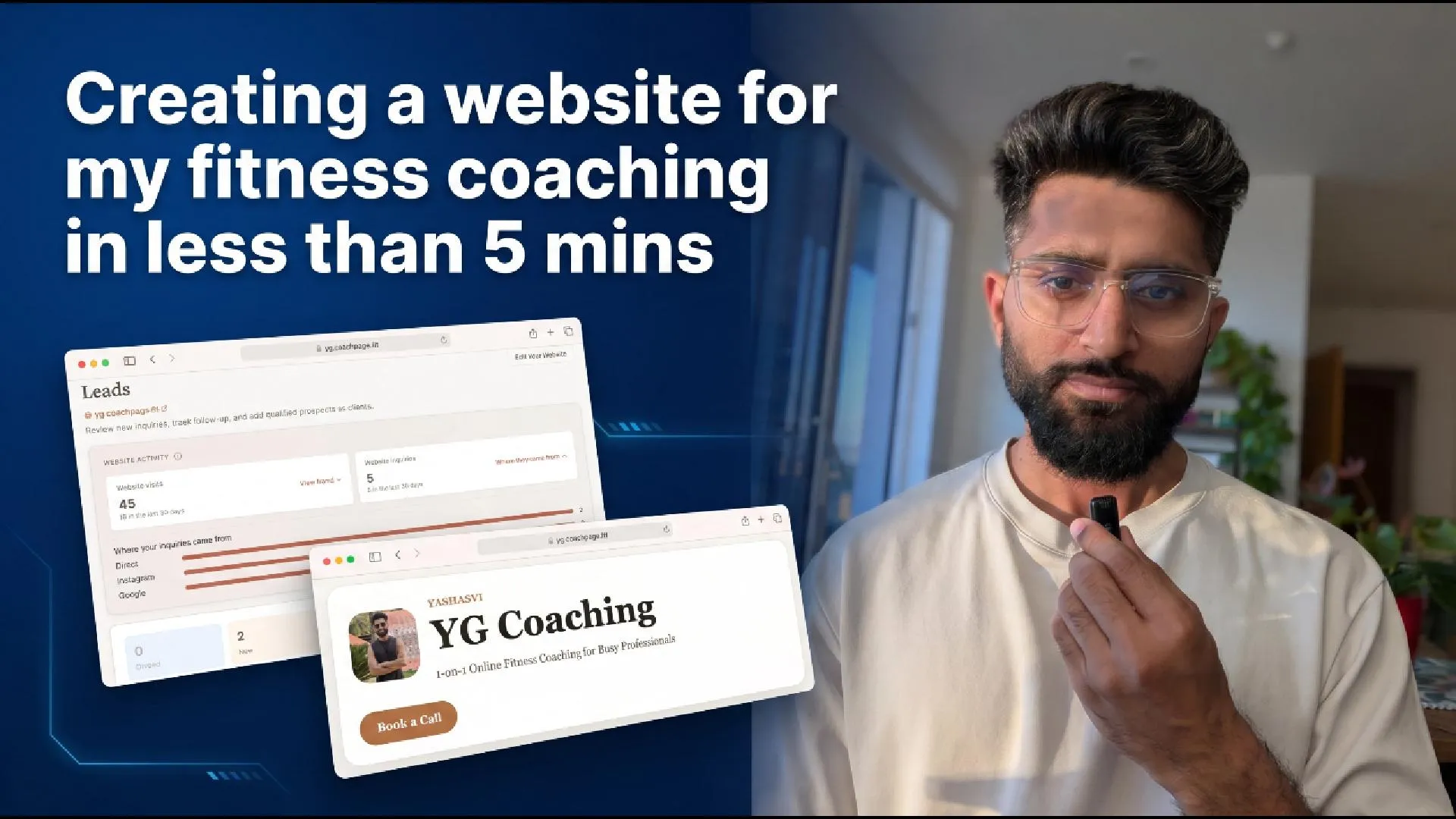 How I Built My Fitness Coaching Website in Under 5 Minutes
The build walkthrough, from blank page to a live inquiry, once you know the website is free
How I Built My Fitness Coaching Website in Under 5 Minutes
The build walkthrough, from blank page to a live inquiry, once you know the website is free
 Trainerize, TrueCoach, Everfit Pricing: Real Costs (2026)
The full platform-cost picture at 25 and 50 clients, including the add-ons pricing pages hide
Trainerize, TrueCoach, Everfit Pricing: Real Costs (2026)
The full platform-cost picture at 25 and 50 clients, including the add-ons pricing pages hide