Client one gets a 20-minute call where you share your screen and show them how to log a workout. Client fourteen gets the same 20 minutes, the same clicks, the same joke about the rest timer. Only one of those calls ever needed you live.
That is the job Loom does well for fitness coaches and personal trainers: record an explanation once, keep it, and share it with everyone who needs it. A record-once coaching video is a short walkthrough you film one time and give to every client who hits the same question, like how your check-ins work or how to log a set. It replaces the explanation you repeat, never the feedback only one client should hear.
Here’s the record-once library most online coaches need, and where each video lives. The split that matters: a Loom or unlisted YouTube link can be shared with anyone, while a private client library opens only for your own clients once they sign in.
| Video | When the client needs it | Record it with | Where it lives |
|---|---|---|---|
| Welcome: how your coaching works | Day one | Phone camera | Private client library |
| Client app tour | At first login | Loom, face bubble on | Private client library |
| How to log a workout | Before the first session | Screen recording from a phone | Private client library |
| How your check-ins work | Before the first check-in | Loom walking through the form | Private client library |
| Nutrition basics | First two weeks | Loom over your slides | Client library, shared with the clients it fits |
| Program-phase explainer | Start of each new block | Loom over the plan | Client library, shared with clients on that block |
| Answers to repeat questions | The third time someone asks | Phone, one question per video | Private client library |
| Exercise technique demos | Right before the set | Phone camera in the gym | On the exercise itself |
| ”How I coach” video for prospects | Before they sign up | Loom or YouTube | Public link |
Here’s what this guide covers:
- Loom vs YouTube, Vimeo and Google Drive for fitness coaches
- Record once or reply personally: the test for personal trainers
- How to record coaching videos clients actually finish
- Where to keep your fitness coaching video library
- Keep the library current without re-recording everything
Loom vs YouTube, Vimeo and Google Drive for fitness coaches
Loom records your screen and your face at once, with your face in a small bubble in the corner. Stop recording and you get a link to send. For anything a client needs to see on a screen, like your client app, your check-in form, or a meal plan PDF, that is hard to beat.
As of September 2026, Loom’s pricing page lists up to 25 videos per person and 5 minutes per recording on the free Starter plan. One catch: downloading a Loom as an MP4 needs a paid plan, so on Starter your videos stay as Loom links.
Here’s how Loom compares with the other tools coaches use:
| Tool | Best for | Who can watch |
|---|---|---|
| Loom | Screen walkthroughs with your face in the corner | Whoever you send the link to |
| Phone or Mac screen recorder (iPhone, Mac) | App walkthroughs, saved as a file you keep | Whoever you send the file to |
| YouTube, unlisted | Free hosting and public-facing videos | Anyone with the link; hidden from search |
| Vimeo | Hosting with a password on each video | Anyone with the link and password |
| Google Drive | Quick sharing of a single file | Named people, or anyone with the link |
| Course platforms (Kajabi, Teachable, Thinkific) | Selling a structured course | Signed-in course members |
| A private client library | Onboarding and education for coaching clients | Only the clients you choose |
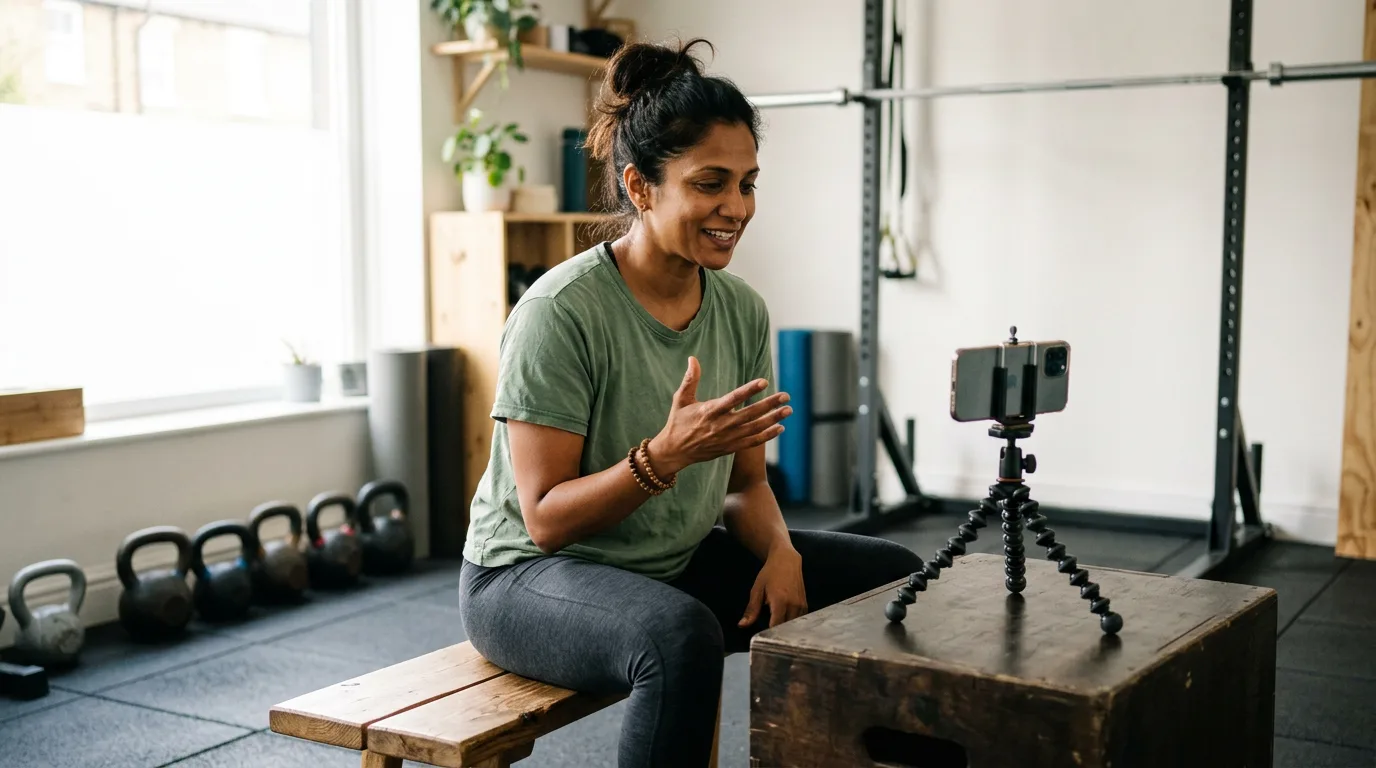
Movement demos need your whole body in frame, so film those on a phone in the gym.
Record once or reply personally: the test for personal trainers
The test is simple: would this exact video, word for word, be right for your next ten clients?
If yes, record it once. “How to log a superset” and “why we’re starting a deload week” apply to everyone who reaches that moment.
If it’s right for some clients but not all, it’s still a record-once video, just for a group, like a deload explainer for everyone starting that block.
If no, it is personal. Anything that mentions a client’s numbers, week, form, or plan change fails the test, and a client who hears “great job this week” in a video sent to 30 people can tell.
Personal feedback belongs on the check-in it responds to (when a video reply is worth it). In Assistant Coach, you can attach a voice or video message to each check-in reply, with no limit on how many you send.
How to record coaching videos clients actually finish
Researchers at MIT and edX studied 6.9 million video-watching sessions in online courses. Three findings carry over to coaching videos:
- Shorter wins. Median watch time was at most 6 minutes, however long the video was, so the authors recommend chunks under 6 minutes.
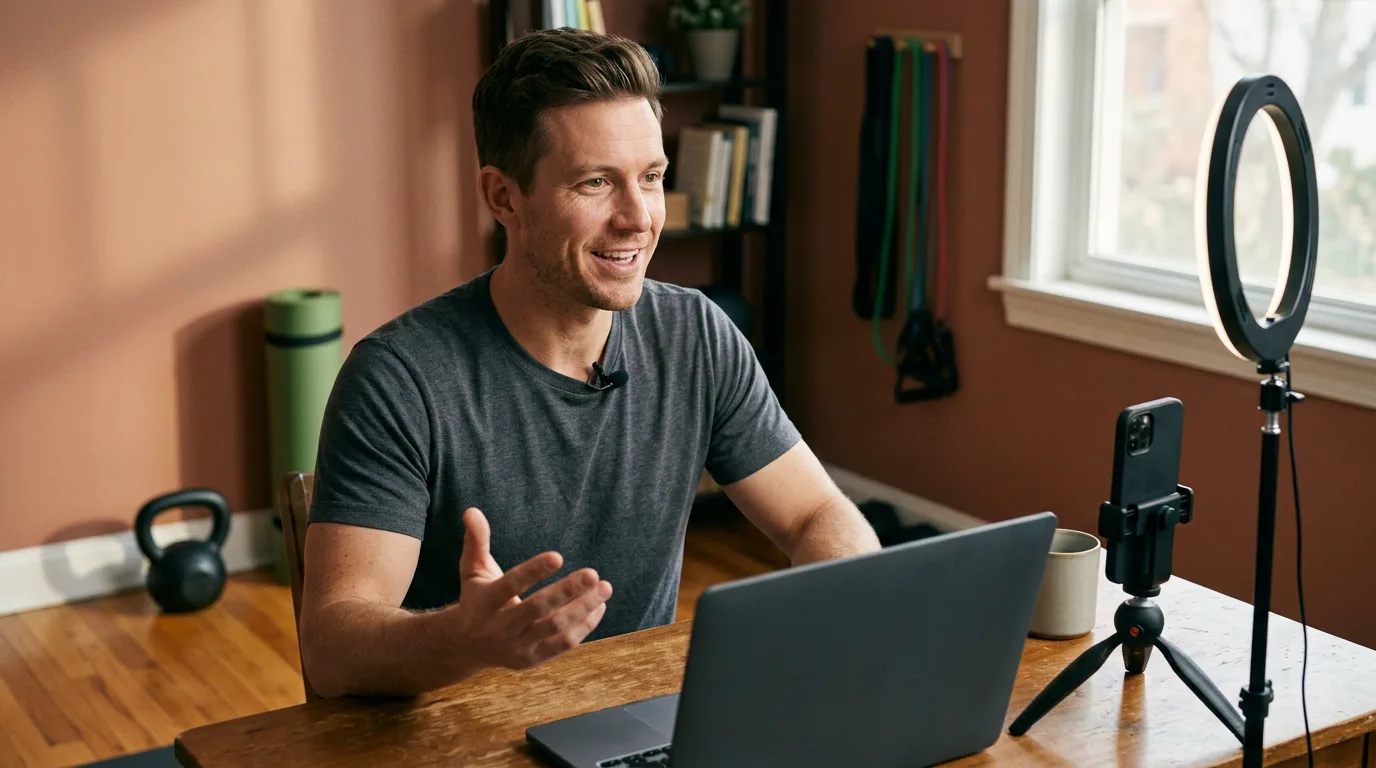
- Informal is fine. A personal feel could beat a polished studio recording. Your desk and a ring light are enough.
- Show your face. Mixing the instructor’s face in with slides beat slides alone, which is what Loom’s face bubble does.
Then:
- One video, one question. Logging and check-ins are two videos, not one onboarding marathon.
- Title it with the client’s question. “What if I miss a session?” beats “Policy video 2.”
- Say the steps, give the next action, then stop.
- Leave out anything that dates, like “this month,” prices, or client names.
Tutorials were also rewatched more than lectures, which is why a library beats a one-off send.
Where to keep your fitness coaching video library
A Loom link sent on WhatsApp is buried within a week, and a client who cannot find the video messages you instead. So keep your videos in one place clients already visit every week, like their client app, each named after the question it answers.
In Assistant Coach, that place is Resources. Upload a video or PDF once, then choose who sees it:
- All current and future clients, so every new client gets your welcome video and app tour automatically.
- Selected clients, so each video reaches only the clients it’s for: the fat-loss nutrition video to your fat-loss clients, the marathon-block explainer to your runners.
- One client, straight from their dashboard, for the travel guide only they need this month.
Each client sees only what you’ve shared with them. Clients find it on the Plans tab of their client app, under Guides & videos from your coach, where videos play in place. Replacing a file keeps its title, note, and sharing, so everyone sees the new version.
Your client library is private. A Loom link is not. Resources open only for your coaching clients, inside their client app after they sign in. There is no public link for prospects, leads, or anyone else, so sales videos and social content still belong on Loom or YouTube.
Resources holds files, not links. To bring a Loom video in, download the MP4 (a paid Loom plan), or record with your phone or Mac and upload that file. Technique demos work better attached to the exercise itself, as covered in exercise demo videos.
Keep the library current without re-recording everything
Videos go stale quietly. Your check-in day moves, or you change how you want tempo logged, and the old video teaches the wrong thing. Three habits help:
- Update the one copy. Replace the video instead of adding “Welcome v2” beside the old one, or clients guess which is right.
- Re-record when your process changes, not on a timer. New check-in form, new check-in video.
- Review every few months. Watch each video at double speed, ask if it is still true, and delete what nobody uses.
Short videos keep this cheap: a 3-minute walkthrough is a 3-minute redo. Introduce the library during a new client’s first 30 days, and point back to it whenever a familiar question comes in.
Frequently Asked Questions
Is Loom good for fitness coaches and personal trainers?
Yes, for anything you explain on a screen. Loom records your screen with your face in a small bubble, which suits app walkthroughs, check-in form tours, and talking through a plan. For movement demos, a phone camera in the gym works better.
Is Loom free for personal trainers?
Loom has a free Starter plan. As of September 2026, it lists up to 25 videos per person and 5 minutes per recording. Downloading videos as MP4 files needs a Business plan or higher.
What is a good Loom alternative for fitness coaches?
A phone camera for movement, an iPhone or Mac screen recorder for walkthroughs, and YouTube (unlisted), Vimeo or Google Drive to share by link. For onboarding videos, a private library in your clients’ app is easier to find later.
What videos should an online fitness coach record once for every client?
The explanations you repeat with every new client: a welcome video, a client app tour, how to log a workout, how check-ins work, nutrition basics, program-phase explainers, and answers to repeat questions. Keep anything about one client’s numbers, week, or form personal.
How long should a coaching video for clients be?
Under 6 minutes. In a study of 6.9 million video-watching sessions on edX, median watch time was at most 6 minutes, however long the video was. One video should answer one question.
Can I share different videos with different clients?
Yes. In Assistant Coach, you share each resource with all current and future clients, with selected clients, or with one client from their dashboard. Each client sees only what’s shared with them.
Can I share Assistant Coach client resources publicly, like a Loom link?
No. Resources are private to your coaching clients, who open them in their client app after signing in. You share each one with selected clients or all current and future clients. For sales videos, prospects, or social media, use Loom or YouTube.
References
- Guo, P. J., Kim, J., & Rubin, R. (2014). How video production affects student engagement: An empirical study of MOOC videos. Proceedings of the First ACM Conference on Learning @ Scale. PDF
- Loom. Pricing
- Atlassian Support. Download your Loom video
- Apple Support. Record the screen on your iPhone, iPad, or iPod touch
- Apple Support. Take screenshots or screen recordings on Mac
- YouTube Help. Change video privacy settings
- Vimeo Help Center. How to password-protect a video
- Google Drive Help. Share files from Google Drive
 Exercise Demo Videos for Coaching Clients: A Coach's Guide
 Video Check-In Feedback for Fitness Coaches: When to Record